Allied Health AI Scribing: How AI Streamlines NDIS & Therapy Notes
Dr. Dhruv Patel
Clinical Content Lead
Share
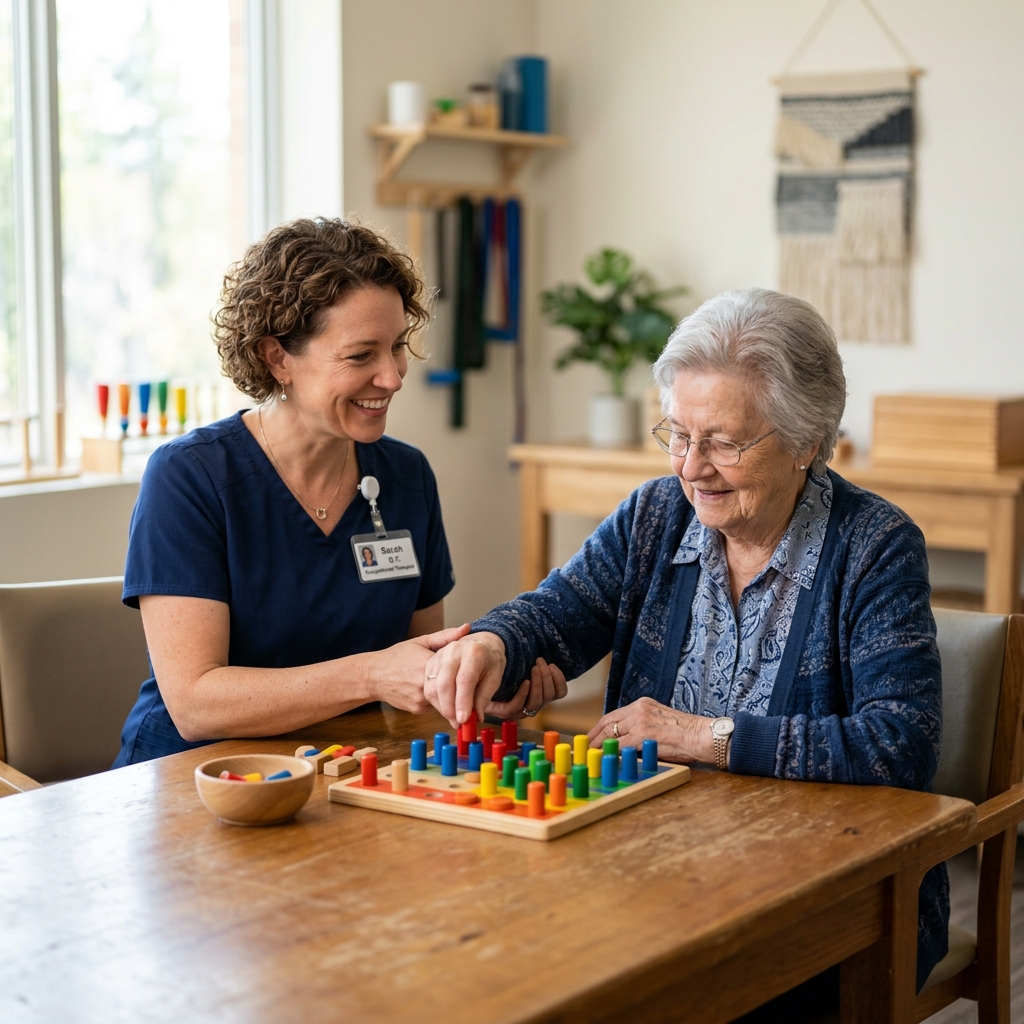
Short answer: An allied health AI scribe can turn a therapy conversation into a structured draft progress note, assessment summary or support letter. It can help organise goals, functional observations and agreed actions, but it cannot determine NDIS eligibility, justify funding or make a report compliant automatically. The clinician must confirm accuracy, consent, professional reasoning and the participant’s actual circumstances.
What Should Allied Health Professionals Consider When Using AI Scribes?
- Use AI to reduce repetitive drafting, not to replace observation, assessment, clinical reasoning or participant-centred communication.
- Keep the participant’s goals and functional context visible; do not convert a nuanced account into unsupported impairment labels.
- Review every draft for names, dates, measurements, quotes, risks, recommendations, assistance levels and changes from baseline.
- NDIS documentation requirements depend on the document, support, provider role and current guidance. Check the latest NDIS guidance.
- Consent, privacy, access controls, retention and a non-recording alternative should be part of the workflow.
Why therapy documentation takes time
Occupational therapists, physiotherapists, speech pathologists, psychologists and other allied health professionals document more than a list of tasks completed. A useful note may connect a participant’s goals with their functional capacity, environmental context, response to intervention, risks, communication preferences and next steps. It may also need to support continuity between clinicians, families, support workers, schools or other services.
That richness is valuable—and difficult to reproduce by typing from memory after a full day of sessions. An AI scribe can support the formatting and first draft, provided the clinician remains in control of the information and interpretation. IntuScribe for allied health can be considered as one browser-based option; templates, exports and integrations depend on the current product configuration.
A participant-centred workflow for AI-assisted notes
1. Explain the tool and seek consent
Before capturing audio, explain in plain language that a software tool will assist with documentation, what information it may process, why it is needed and who can access the resulting note. Ask whether the participant has questions and make it easy to decline or request that recording stop. Consider communication needs, substitute decision-makers, children, interpreters and culturally safe practice.
Health information is sensitive personal information. The OAIC guidance on health information and the Australian Privacy Principles are useful starting points, but each provider should assess its own legal, contractual and operational obligations. Do not assume that a vendor’s security statement answers every question about your clinic, employer or funding arrangement.
2. Set the context without overloading the model
Use the minimum relevant information needed for the session. If background documents or previous notes are available in the product, confirm that you are authorised to use them and that they relate to the participant’s current care. Keep source documents accurate and current.
At the beginning of the session, state the discipline, note type and purpose where helpful. During the appointment, speak or dictate key observations that might otherwise remain implicit: level of assistance, cueing, repetitions, pain rating, communication response, environmental barrier or safety concern.
3. Generate a draft that reflects the session
A configured template might organise content into:
- participant-reported update and priorities;
- relevant objective observations or measures;
- intervention provided and the participant’s response;
- progress toward the stated goal;
- risks, barriers or changes in support needs; and
- agreed home practice, communication and follow-up.
The draft should preserve uncertainty and attribution. “Participant reports fatigue after community access” is different from a definitive statement about capacity. A tool should not invent measurements, infer a diagnosis or turn a recommendation into an approved support.
4. Review the draft against source information
Read the entire draft, not just the highlighted sections. Check:
- Participant identity, date, location and attendees.
- Direct quotes, pronouns, communication method and consent details where relevant.
- Measurements, scores, distances, timings, repetitions and assistance levels.
- Goal wording and whether the note describes observable functional change.
- Intervention, clinical reasoning, response and next steps.
- Risk, safeguarding, escalation and referrals.
- Recommendations, costs, frequency and scope—removing anything not actually discussed.
The AHPRA professional standards and codes provide important professional context. Generated text must be reviewed against your registration obligations, discipline standards, employer policy and the needs of the participant.
5. Finalise and share carefully
Only save the approved version to the intended record. If the workflow prepares a progress report or support letter, check the recipient, purpose, attachments and participant authorisation before sending. Avoid using broad “NDIS-ready” or “audit-proof” labels as a substitute for checking the current requirements for that document.
How AI Scribing Supports Different Allied Health Disciplines
Occupational therapy: A home visit discusses shower access, meal preparation and fatigue. The draft can organise the participant’s report, observed transfers, environmental barriers, strategies trialled and agreed actions. The OT must verify assistance levels, measurements and recommendations, and distinguish observation from participant report.
Physiotherapy: A review covers pain, gait, range of movement and a home exercise program. The scribe may place spoken values and exercises into a consistent structure. The physiotherapist confirms units, side, baseline comparison, dosage and any precautions before filing.
Speech pathology: A session includes communication goals, prompting, device use and carer feedback. The draft can separate participant or carer report from observed performance and record the next practice step. The speech pathologist checks every example and does not allow a fluent summary to imply progress that was not observed.
Psychology: A session may contain sensitive disclosures, mental state observations, therapeutic interventions and risk discussion. A clinician should use a carefully configured template, minimise unnecessary detail and verify that risk assessment, safety planning and limits of confidentiality are documented appropriately.
What can AI scribes do—and what requires clinician review
| Task | Potential support from an AI scribe | What the clinician must still do |
|---|---|---|
| Progress note | Organise reported updates, observations and actions | Confirm facts, attribution, goals, risk and reasoning |
| Functional assessment | Structure spoken findings and headings | Conduct the assessment and interpret findings within scope |
| NDIS-related report | Draft a summary from approved source information | Check current NDIS requirements, evidence, recommendations and participant consent |
| Home program or handover | Format agreed exercises, strategies or actions | Verify dosage, safety, accessibility and recipient |
| Practice management hand-off | Copy/export where supported by current configuration | Confirm patient record, permissions, attachments and filing |
No row above means automatic compliance, funding approval or clinical validation.
Keeping NDIS documentation grounded
The NDIS provider records and documentation guidance should be checked alongside the participant’s plan, service agreement, provider obligations and the specific report request. Requirements can change, and different documents have different purposes.
A strong note generally makes the clinical and functional chain understandable: what the participant or support person described, what the clinician observed or measured, what intervention occurred, how the participant responded, how this relates to the relevant goal and what is proposed next. It should not claim that a support is funded, reasonable and necessary, or claimable merely because an AI tool placed it in a template.
When a report informs a planning or funding decision, the author should be able to explain the evidence and professional reasoning independently of the software. Consider a second review for high-stakes reports, complex risk, significant equipment recommendations or information that may materially affect a participant’s plan.
Implementation checklist for an allied health practice
Governance and privacy
- Identify the clinical owner, privacy contact and approved data flows.
- Document consent, refusal, withdrawal and non-recording procedures.
- Confirm retention, deletion, access logs, subcontractors and breach processes.
- Train staff not to paste unnecessary identifiers or unrelated history into prompts.
Template design
- Create discipline-specific templates with plain, observable headings.
- Include fields for attribution, measures, assistance, goals, risk and follow-up.
- Add prompts that expose missing information rather than encouraging invention.
- Test templates with varied communication styles and realistic sessions.
Quality assurance
- Review samples for hallucinated facts, missed negations, incorrect numbers and overconfident language.
- Monitor clinician edit patterns and participant feedback.
- Keep a manual process for outages, refusals and sensitive sessions.
- Revisit templates when NDIS guidance, professional standards or service requirements change.
The IntuScribe technology page, Trust Center and privacy policy give allied-health providers a clear foundation for reviewing the product’s workflow and data-handling approach. Configure the implementation around your discipline, practice software and governance requirements. A pilot with de-identified or appropriately authorised scenarios helps the team establish a reliable review workflow.
FAQs
Are AI-generated therapy notes NDIS-compliant automatically?
No. Compliance depends on the document, evidence, provider obligations and current NDIS requirements. The clinician and provider remain responsible for accuracy, appropriate records, consent and the claims or recommendations they make.
Can an AI scribe prove that a participant has progressed toward a goal?
No. It can organise information that was captured, but it cannot create evidence. The clinician must select appropriate measures, describe functional observations accurately and explain professional reasoning.
Can I use an AI scribe if a participant does not consent?
Do not record them without an appropriate basis and process. Explain the alternative workflow and follow your privacy policy, contractual obligations and applicable law. A participant’s refusal should not reduce the quality or accessibility of their care.
Can the tool write an NDIS support letter or functional capacity report?
It may draft text from relevant session information if that capability is enabled. The author must verify the evidence, scope, recommendations, participant details and current requirements before signing or sending. The output is not an approval or funding decision.
Will AI remove allied health paperwork?
No. It may reduce repetitive typing and formatting in some workflows, but assessment, observation, reasoning, review, communication and governance still require professional time.
Closing guidance
AI-assisted documentation works best when it is transparent, modest and easy to correct. Start with a single note type, involve clinicians and participants in the pilot, measure the quality of the final record and keep a clear route back to manual documentation. If the workflow cannot show where a statement came from—or who approved it—it is not ready for high-stakes reporting.
Explore IntuScribe for allied health, visit the Trust Center, or read the privacy policy to understand the platform’s approach before implementation. Configure the workflow for your discipline, practice software and privacy requirements, with appropriate clinical and governance ownership.
This article is general information, not clinical, legal, privacy, NDIS or professional advice. Product capabilities and integrations may change. Clinicians and providers should review generated content and current official guidance before relying on it.
Note from the Medical Lead
"I built IntuScribe because I was tired of finishing notes at 9 PM. If you're a clinician in Australia looking for a smarter way to manage your clinical workflow, I invite you to try our Clinical Twin (Beta) assistant."