Navigating the 'Diagnostic Gap': Managing Interleaved Consults with Draft Sessions
Dr. Dhruv Patel
Clinical Content Lead
Share
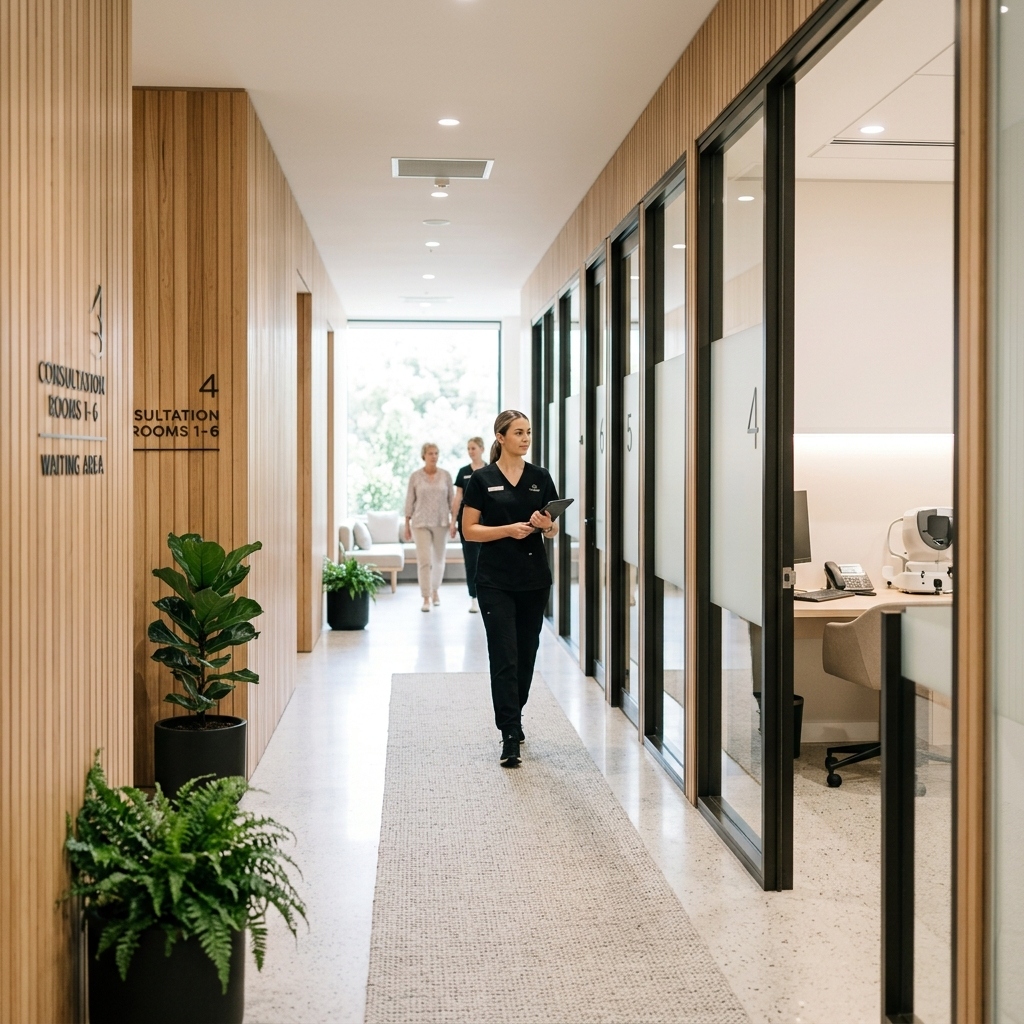
Ask any general practitioner or urgent care clinician to describe their most chaotic daily workflow, and they will likely tell you about the "Diagnostic Gap."
Here is a classic clinical scenario: Patient A comes in with a swollen, painful ankle after an eversion injury. You take their history, examine the joint, and rule out immediate red flags. However, you need to confirm the diagnosis. You send them down the hall or across the street for an immediate in-clinic X-ray or ultrasound.
The patient will be gone for 20 to 30 minutes.
During that time, you cannot simply sit and wait. To keep your clinic running efficiently and maintain your patient turnaround times, you immediately bring in Patient B. You conduct a full 15-minute consultation, prescribe a medication, and write their notes.
By the time you hit "Save" on Patient B's chart, Patient A is back in your room holding their scan results.
This "interleaved" style of consulting is an operational necessity in modern medicine. However, for legacy AI medical scribes, it is a absolute nightmare.
The Multitasking Trap of Legacy Scribes
Standard AI scribing applications are designed under a rigid, linear assumption: you start a consultation, you talk, you stop recording, you generate the note, and you export it.
When you introduce the Diagnostic Gap into a linear system, it breaks in one of three frustrating ways:
- The Premature Stop: You are forced to stop recording and generate a "half-finished" note for Patient A when they leave for their scan. When they return, you have to start a brand-new recording, generating a second document. You then have to spend time copy-pasting and manually merging the two records.
- The Frozen Screen: You leave Patient A's recording open and paused on your dashboard. This locks up the system, meaning you cannot use your AI scribe for Patient B without completely erasing Patient A's active session.
- The Cognitive Overload: You resort to writing Patient A's entire history and physical findings on paper or trying to memorize them, documenting everything from scratch at the end of the day.
This administrative friction is a primary driver of clinical cognitive fatigue.
How IntuScribe Solves It: The "Draft Consults" Workflow
When we designed IntuScribe, we built it to mirror real-world clinic workflows. The Draft / Paused Consults feature was created specifically to remove the administrative headache of interleaved consultations.
Here is a step-by-step breakdown of how the Draft workflow seamlessly bridges the diagnostic gap during a busy day:
Step 1: Pause Patient A
When you send Patient A for their scan, you simply click the "Pause" button on the IntuScribe recorder. The session is immediately saved to your secure profile. There are no manual saves to worry about, and your microphone is freed up instantly.
Step 2: See Patient B
With Patient A's session safely shelved, your active dashboard is instantly cleared. You bring in Patient B, press record, conduct the consultation, and let the AI generate a complete, structured note in seconds.
Step 3: Resume Patient A
When Patient A returns with their imaging or blood results, you open the Draft Consults list. You’ll see Patient A’s name, the exact time the consult was paused, and a quick text preview of the initial audio snippet.
You click "Resume". Your initial recording, transcript, and patient details are instantly reloaded. You discuss the scan findings, explain the management plan, hit "Stop", and the Clinical Intelligence Layer synthesizes the entire interleaved encounter into a single, cohesive, chronological note.
Under the Hood: Seamless Workflow Continuity
To support active multitasking without adding to your cognitive load, IntuScribe runs a series of quiet, background safeguards:
- Real-Time Autosaves: Your recording buffers are securely backed up as you speak, ensuring that even if you shut your browser tab or your device runs out of battery mid-consult, your draft notes are never lost.
- Rapid Search & Retrieve: The Draft Consult list features smart search filters. Even on a chaotic day with 30+ consultations, you can find a paused session in under a second simply by typing the patient's name.
- Cross-Device Safeguards: If you pause a consult on your tablet at the bedside and later try to open the draft on your office desktop, the system automatically merges the state and prevents double-writing, protecting your records from accidental duplication.
Unlocking Clinical Efficiency: How Draft Consults Reclaim Your Time
In medicine, time is not just money—it is the direct measure of how many patients you can safely and effectively treat. When a clinic operates with linear documentation tools, the "Diagnostic Gap" acts as a massive bottleneck, draining clinical capacity.
By designing IntuScribe around the realities of active, high-volume clinics, we built a system that actively creates operational efficiencies in three key areas:
1. Eliminating "Dead Time" and Maximizing Slot Utilization
In a busy clinic, a paused slot is a wasted resource. If a clinician is forced to wait for Patient A's diagnostic scans to return before they can begin generating notes or starting their next consult, that represents 20 to 30 minutes of lost productivity.
- The IntuScribe Solution: By allowing clinicians to instantly pause and draft a session, they can immediately transition to the next consultation. This ensures that 100% of their rostered time is utilized for active patient care, maximizing clinical throughput without extending their working hours.
2. Preventing "Context-Switching" Fatigue
Every time a doctor has to switch their attention from one patient to another, they incur a cognitive context-switching cost. When Patient A returns 30 minutes later, the doctor must spend mental energy "re-remembering" the specific physical observations, joint mobility angles, or narrative history they captured earlier.
- The IntuScribe Solution: The Draft Consult list acts as a secure memory bank. When you hit "Resume," your initial thoughts, spoken history, and examination findings are instantly loaded back into your working memory. You don't have to "re-settle" your mind or double-check scribbled paper; you simply pick up the conversation exactly where it was suspended.
3. Stopping "Billing Leakage" and Document Erosion
When documentation is delayed or fragmented because a doctor is forced to finish notes hours later from memory, details erode. Clinicians often omit specific clinical observations, orthopedic measurements, or diagnostic nuances. This doesn't just impact note quality—it leads to billing leakage, where clinicians under-code consultations (such as missing complex MBS or NDIS item thresholds) because they cannot accurately recall the full extent of the session.
- The IntuScribe Solution: Since the initial consultation history and physical examination findings were recorded and locked in real time before the patient went for their test, those high-value details are perfectly preserved. When the session is resumed and completed, the resulting note is robust, detailed, and completely optimized for accurate billing and claim compliance.
Operational Comparison: The Economics of Efficiency
To illustrate how IntuScribe supports system-wide clinic efficiency, let's look at the operational metrics comparing legacy linear scribes to our Draft Consult system:
| Operational Metric | Legacy Linear AI Scribes | IntuScribe (Draft Consults) |
|---|---|---|
| Clinician Idle Time | High (Stuck waiting for scan results or typing manual drafts) | Zero (Instant transition to next patient slot) |
| Cognitive Switch Cost | High (Mental effort to reconstruct notes hours later) | None (Instant resume of exact consultation state) |
| Document Quality | Fragmented (Notes split across multiple disconnected drafts) | Unified (Single, cohesive, chronological note) |
| Admin Overtime ("Pajama Time") | 30–45 mins daily spent merging and cleaning records | Under 2 mins of final, simple desktop verification |
| Billing & Claim Accuracy | Prone to leakage (Details forgotten due to delayed notes) | 100% preserved (Preserves exact real-time exam findings) |
Work the Way You Practice
Clinical medicine is unpredictable, dynamic, and fast-paced. Your software should support that flow, not constrain it.
IntuScribe's Draft Consults feature allows you to manage diagnostic gaps and interleaved sessions naturally. By protecting your time, reducing your cognitive load, and preventing clinical detail erosion, we help you build an efficient, high-performing clinic—allowing you to focus entirely on what matters most: practicing exceptional medicine.
Ready to reclaim your clinic's hidden time? Experience the power of Draft Consults by starting your 4-week trial today.
About the Author
Dr. Dhruv Patel, MBBS, FRANZCR, EBIR
Dr. Dhruv Patel is a Consultant Radiologist and Specialist in Interventional Radiology, holding Australian (FRANZCR) and European (EBIR) qualifications. With over a decade of clinical experience across major Australian hospitals, he has first-hand experience with the administrative burden that pulls clinicians away from patient care. To solve this, Dr. Patel co-founded IntuScribe in Brisbane, combining clinical insights with generative AI to build a sovereign, medical-grade Clinical Intelligence Layer that seamlessly fits the active workflows of GPs and Allied Health professionals.
Note from the Medical Lead
"I built IntuScribe because I was tired of finishing notes at 9 PM. If you're a clinician in Australia looking for a smarter way to manage your clinical workflow, I invite you to try our Clinical Twin (Beta) assistant."