How Mobile-Browser AI Scribes Transform Clinical Workflow
Dr. Dhruv Patel
Clinical Content Lead
Share
For the last two decades, electronic health records (EHRs) have had an unfortunate, unintended side effect: they have imprisoned doctors at their desks.
Think about a typical consultation. You are sitting in your clinic chair, but your body is angled toward the monitor. Your fingers are clacking on the keyboard, and your eyes are darting between the patient and the screen. You want to make eye contact, to build that crucial therapeutic alliance, but the administrative pressure to "document or it didn't happen" forces you to focus on the machine.
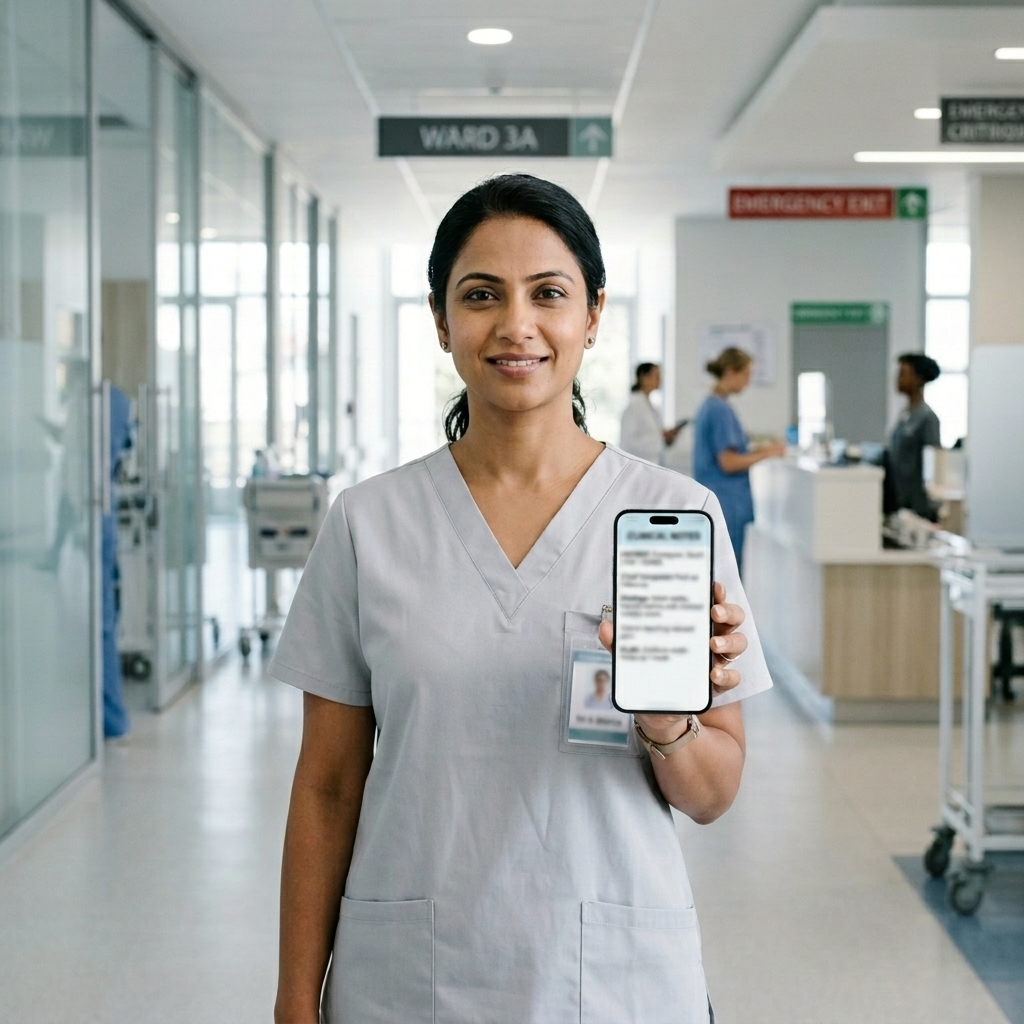
This problem becomes even worse when you leave the office. If you are doing hospital ward rounds, visiting patients in an aged-care facility, or running home-based physical therapy or occupational therapy sessions, carrying a bulky laptop is highly impractical.
As a clinician, I believe that technology should adapt to the way we move, not lock us to a desk.
That is why we designed IntuScribe to operate as a highly responsive, mobile-first web application. Here is how untethering yourself from your desktop monitor can transform your bedside rounds, home visits, and clinical interactions.
The Bedside Mobile Browser Workflow
Many legacy scribing tools are built as heavy desktop applications, or worse, they require complex software installations that your hospital's IT department would never approve.
IntuScribe works directly in any secure mobile web browser (like Safari on iOS or Chrome on Android). There is no setup, no app store download, and no administrative block.
Here is exactly how the bedside workflow functions during ward rounds:
- Enter Patient Room: Pull out your phone or tablet, open your secure clinical dashboard, and select the patient record.
- Bedside Recording: Place the device on the table, tap the large, mobile-optimized "Record" control, and begin.
- Conduct History & Exam: Speak naturally with the patient while maintaining 100% eye contact. Detail physical exam findings out loud during the assessment.
- Secure Processing: Tap "Stop". The audio is immediately processed in memory and purged, generating a secure draft in seconds.
The Bedside Encounter
When I walk into a patient’s room, I pull out my phone, open my secure IntuScribe dashboard, and tap the large, mobile-optimized recording button. I place the phone on the bedside table and focus entirely on the patient.
I take their history, examine their abdomen or check their joints, and speak out loud: "I'm just feeling the abdomen now... it's soft, non-tender, but there is some mild guarding in the right lower quadrant."
IntuScribe captures the entire natural conversation, including my spoken physical examination findings.
Restoring the Therapeutic Alliance
By placing the phone down, I restore direct eye contact and active listening. The patient feels heard, not processed. They aren't competing with a keyboard for my attention.
Seamless Mobile-to-Desktop Synchronization
A mobile screen is perfect for capturing audio and reviewing quick details, but it is not the ideal canvas for extensive editing or reading long-form letters.
IntuScribe features instant, zero-latency synchronization across all your logged-in devices:
- Capture on Mobile: You record the ward round or home visit on your smartphone or tablet. The draft note is generated in seconds.
- Review on the Go: You can read a quick, bulleted summary of your plan or check extracted patient tasks while walking down the hall.
- Finalize on Desktop: When you return to your clinical office, you open IntuScribe on your desktop web browser. The bedside consult is already waiting for you. You make any final, minor adjustments and export it directly to your primary EHR (like Cliniko or Best Practice) in one click.
This cross-device flexibility ensures that your clinical notes are structured and ready when you are, eliminating the typical "batch writing" fatigue at the end of a shift.
Designed for the Field: Real-World Mobile Use Cases
Mobile-browser scribing is transforming workflows across various medical settings:
1. Hospital Ward Rounds
- The Problem: Moving from Bed 1 to Bed 20 with a rolling computer cart (the "COW") that has a dying battery.
- The Mobile Workflow: Keep the COW in the hall or leave it behind. Do your rounds with your phone in your pocket, documenting each bedside encounter immediately.
2. Allied Health Home Visits
- The Problem: Physical therapists and occupational therapists driving between patient homes, scribbling messy notes on paper in their cars.
- The Mobile Workflow: Record the session on a tablet or phone during the home visit. By the time you get back to your car, the entire NDIS-compliant narrative report is drafted.
3. Sports Medicine & Sideline Care
- The Problem: Assessing a player's knee injury on a muddy football field with no computer in sight.
- The Mobile Workflow: Open the browser on your phone, record your rapid orthopedic assessments, and log the draft note before the player even reaches the change room.
Security on the Move: Sovereign Data Protection
Recording clinical details on a mobile device naturally raises privacy questions. How do we keep patient data secure outside the clinic walls?
IntuScribe enforces three strict mobile security layers:
- Zero-Storage Recording: We never save raw audio files to your mobile phone’s local storage or SD card. The audio is streamed directly to our secure memory buffer and completely purged immediately after note generation.
- Sovereign Australian Data Residency: All data transit is encrypted end-to-end, and processing occurs strictly within secure, sovereign Australian data centers in compliance with the Australian Privacy Principles (APPs).
- Session Conflict Blocker: If you open your dashboard on multiple devices simultaneously (e.g., tablet and desktop), the system automatically syncs active sessions and locks conflicting threads to prevent accidental data overwrites.
Reclaim Your Mobility
You did not spend years in medical school or clinical training to become a high-speed typist locked in an office chair.
By taking advantage of our responsive mobile-browser architecture, you can untether yourself from your desk, look your patients in the eye, and draft premium clinical records from anywhere—whether that is a high-pressure hospital ward, a patient's living room, or a sports sideline.
Ready to take your clinical documentation mobile? Start your free trial of IntuScribe in 30 seconds on any browser.
About the Author
Dr. Dhruv Patel, MBBS, FRANZCR, EBIR
Dr. Dhruv Patel is a Consultant Radiologist and Specialist in Interventional Radiology, holding Australian (FRANZCR) and European (EBIR) qualifications. With over a decade of clinical experience across major Australian hospitals, he has first-hand experience with the administrative burden that pulls clinicians away from patient care. To solve this, Dr. Patel co-founded IntuScribe in Brisbane, combining clinical insights with generative AI to build a sovereign, medical-grade Clinical Intelligence Layer that seamlessly fits the active workflows of GPs and Allied Health professionals.
Note from the Medical Lead
"I built IntuScribe because I was tired of finishing notes at 9 PM. If you're a clinician in Australia looking for a smarter way to manage your clinical workflow, I invite you to try our Clinical Twin (Beta) assistant."